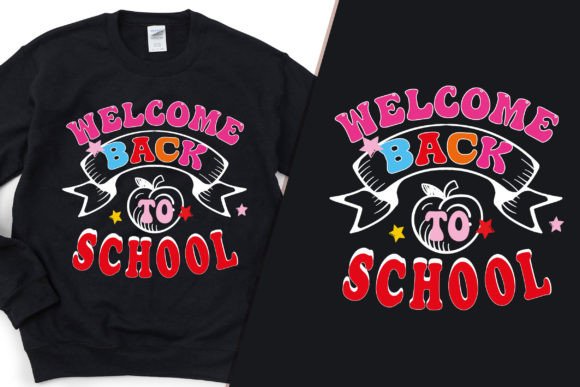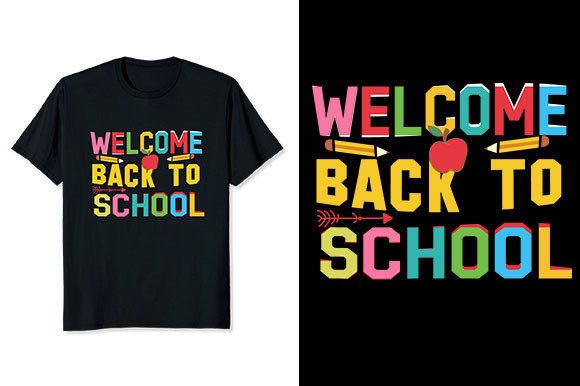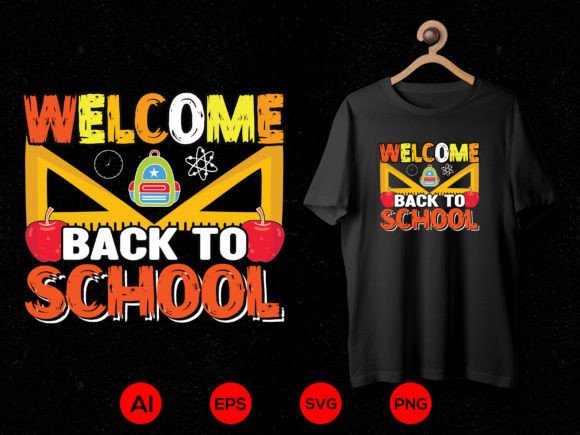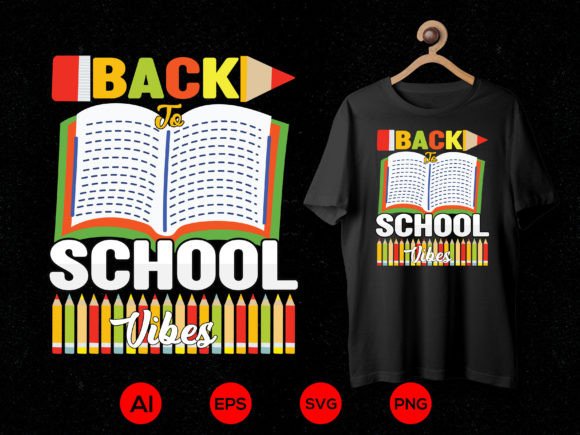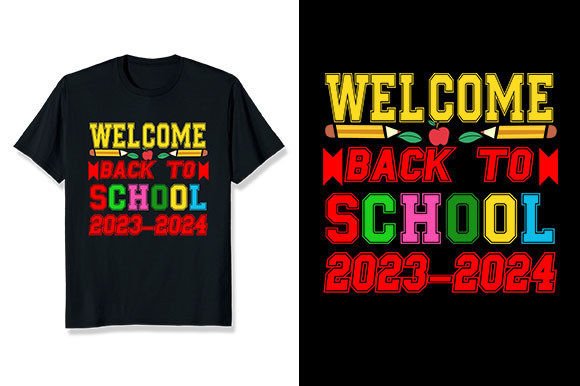
Welcome Back to School 2023-2024 T Shirt
Whether you're a teacher prepping classroom spirit gear, a parent organizing a grade-level photo day, or a small business owner launching a back-to-school merch line, the Welcome Back to School 2023-2024 T Shirt design offers clean, versatile, and production-ready appeal. It’s not just a seasonal graphic—it’s a vector-based digital asset built for real-world use across apparel, home goods, and promotional items. But before adding it to your cart or uploading it to your print-on-demand dashboard, there are practical details worth understanding—details that quietly impact print clarity, color accuracy, scalability, and long-term flexibility.
Common Misconceptions That Affect Real-World Use
Many buyers assume “high-resolution PNG” means universal readiness—and stop there. The file includes a 4500 × 5400 pixel PNG at 300 DPI, which is excellent for large-format prints like hoodies or tote bags. But if you’re resizing it down for stickers or iron-on transfers without checking vector integrity, you may unintentionally rely on raster scaling alone—blurring fine text or losing crisp edges. That’s why the included EPS file matters: it’s fully editable, infinitely scalable, and retains sharpness at any size. Skipping the EPS in favor of only the PNG limits how cleanly you can adapt the design for vinyl cutting, embroidery digitizing, or multi-color screen printing.
Another frequent oversight? Assuming “color can be changed 100%” applies equally across all file types and platforms. While the vector (EPS) supports full color replacement in Adobe Illustrator or Affinity Designer, the transparent PNG is fixed—unless you edit it in Photoshop or similar. If your POD platform only accepts PNG uploads (like some Redbubble or Teespring integrations), you’ll need to adjust colors *before* upload—not after. Not knowing this upfront can mean extra editing time, mismatched brand palettes, or inconsistent product mockups.
What to Verify Before Downloading or Deploying
Before extracting the ZIP file, confirm your software compatibility. The EPS format works natively in professional design tools—but not in Canva free tier, Cricut Design Space (without SVG conversion), or basic online editors. If you plan to cut vinyl or run a Cricut machine, convert the EPS to SVG first using a trusted converter or Illustrator’s “Export As” function. Don’t rely on automatic online converters that degrade paths or misalign layers—this leads to cut errors or misprinted text.
Also check your POD platform’s file requirements. Some require RGB mode; others prefer CMYK. This design ships in RGB (standard for digital workflows), but if you’re supplying files directly to a local printer for bulk hoodie orders, ask whether they need CMYK prep. Converting too early—or without soft-proofing—can shift bright yellows or sky blues unexpectedly. When in doubt, keep the original RGB file as your master and convert only when required.
Realistic Use Cases—and Smarter Workflow Choices
Let’s say you run a small tutoring center and want branded crewnecks for staff. You upload the PNG to your print provider, choose navy fabric, and hit “submit.” Later, you notice the white text looks slightly off—faintly grayish. Why? Because the PNG has anti-aliased edges optimized for screens, not fabric. A better approach: open the EPS, select all elements, set fill to pure white (#FFFFFF), outline strokes if needed, then export a new PNG *with hard edges* and no transparency dithering. That small step improves ink coverage and readability on dark garments.
Or imagine you’re designing matching mugs and pillows for a PTA fundraiser. You might be tempted to use the same PNG across both—especially since the resolution seems ample. But mug wraps wrap around curves, and pillow prints often bleed near seams. Here, the vector source lets you adjust spacing, reposition elements, or add subtle bleed-safe margins without quality loss. Relying solely on the raster file forces guesswork—and sometimes costly reprints.
Why File Structure Matters More Than You Think
The package includes one transparent PNG and one EPS file, compressed in a single ZIP. That simplicity helps avoid confusion—but also means there’s no layered PSD, no alternate color versions, and no pre-sized variants (e.g., “small chest print” or “full-back layout”). That’s intentional: it keeps the file lightweight and universally compatible. But it also means customization is part of your workflow—not someone else’s. If you need five color variations for an A/B test on Etsy, budget time to generate them yourself using the EPS. Don’t expect plug-and-play swatches.
Also note: mockups are not included. While this keeps the price accessible and avoids licensing complications, it means you’ll need to source or create your own presentation visuals. For educators pitching spirit wear to a school committee, or freelancers showing clients options, investing in a simple, editable mockup pack (even a $5–$10 one from Creative Market) pays off in professionalism—and reduces follow-up questions about “how will it look on a hoodie?”
Better Habits for Long-Term Flexibility
When you extract the ZIP, rename the files meaningfully—e.g., welcome-back-2023-eps and welcome-back-2023-png-4500x5400. That avoids confusion later if you collect dozens of similar designs. Store both files together—even if you only use the PNG today. Tomorrow, you might switch printers, launch a sublimation line, or need to rework the layout for a new product. Having the vector on hand saves hours over redrawing or upscaling.
Finally, test before scaling. Open the EPS in your design app, zoom to 400%, and inspect the “2023-2024” numerals and any fine script elements. Are anchor points clean? Are strokes uniform? If yes—you’re set for embroidery digitizing or laser engraving. If not, a quick path cleanup takes minutes and prevents production hiccups later.
This Welcome Back to School 2023-2024 T Shirt design isn’t just about nostalgia or timing—it’s a functional tool. Used thoughtfully, it supports clear communication, consistent branding, and adaptable output across sweaters, mugs, stickers, and more. What makes it valuable isn’t just what’s included—but how intentionally you apply it.